
An Announcement Widget keeps your website fresh by displaying timely news, offers, events, and important updates where visitors can easily notice them. This article explains seven ways to use it to keep people informed and encourage them to explore your website.
Visitors can miss valuable offers or useful changes when your website keeps showing the same old information. You’ll learn how to turn everyday updates into clear messages that help visitors find something worth their attention.
Many website owners publish an announcement once and forget to update it. Others fill it with long messages that leave visitors unsure what matters or what to do next. Start with one useful update, give it a clear purpose, and replace it when it is no longer relevant.
A fresh website gives visitors something useful to notice today.
Make New Things Visible
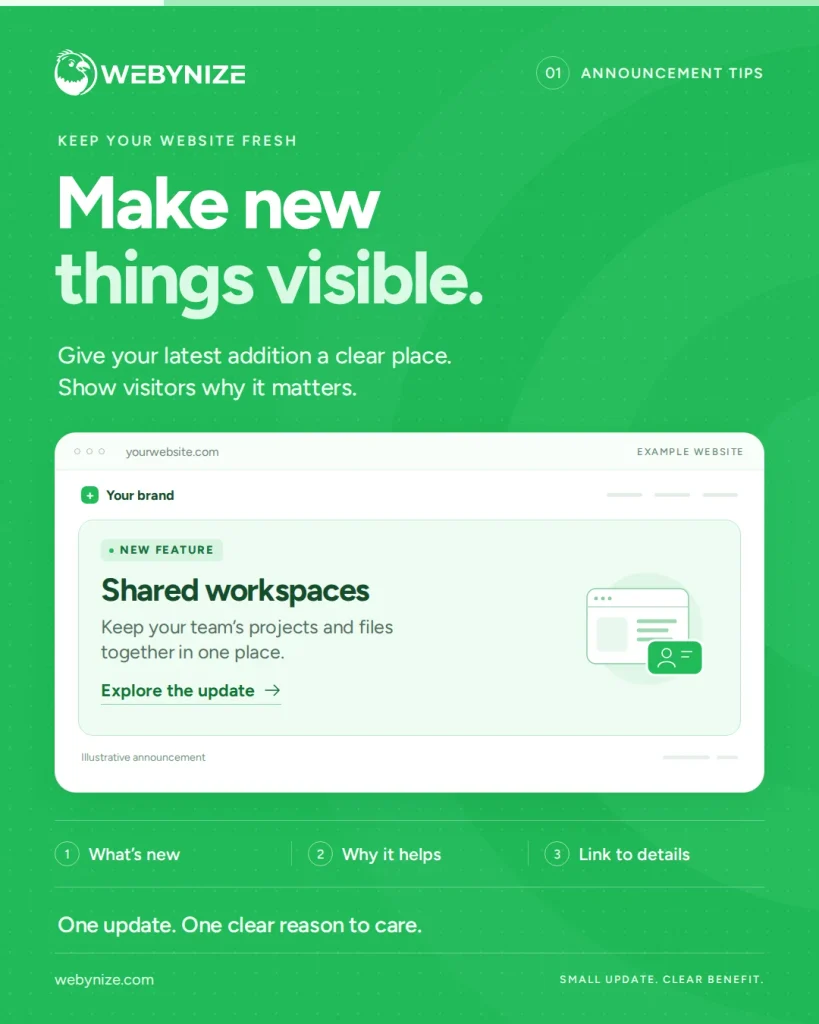
An Announcement Widget gives new products, services, and features a visible place on your website. Explain what changed and why visitors should care.
Canva introduced Visual Suite 2.0 in 2025 through a launch announcement. It explained new tools, including Canva Sheets, and described how people could use them. Your widget can follow that approach by highlighting one new addition and linking to the details.
Announce what is new with a clear benefit for your visitors.
Give Offers a Clear Window
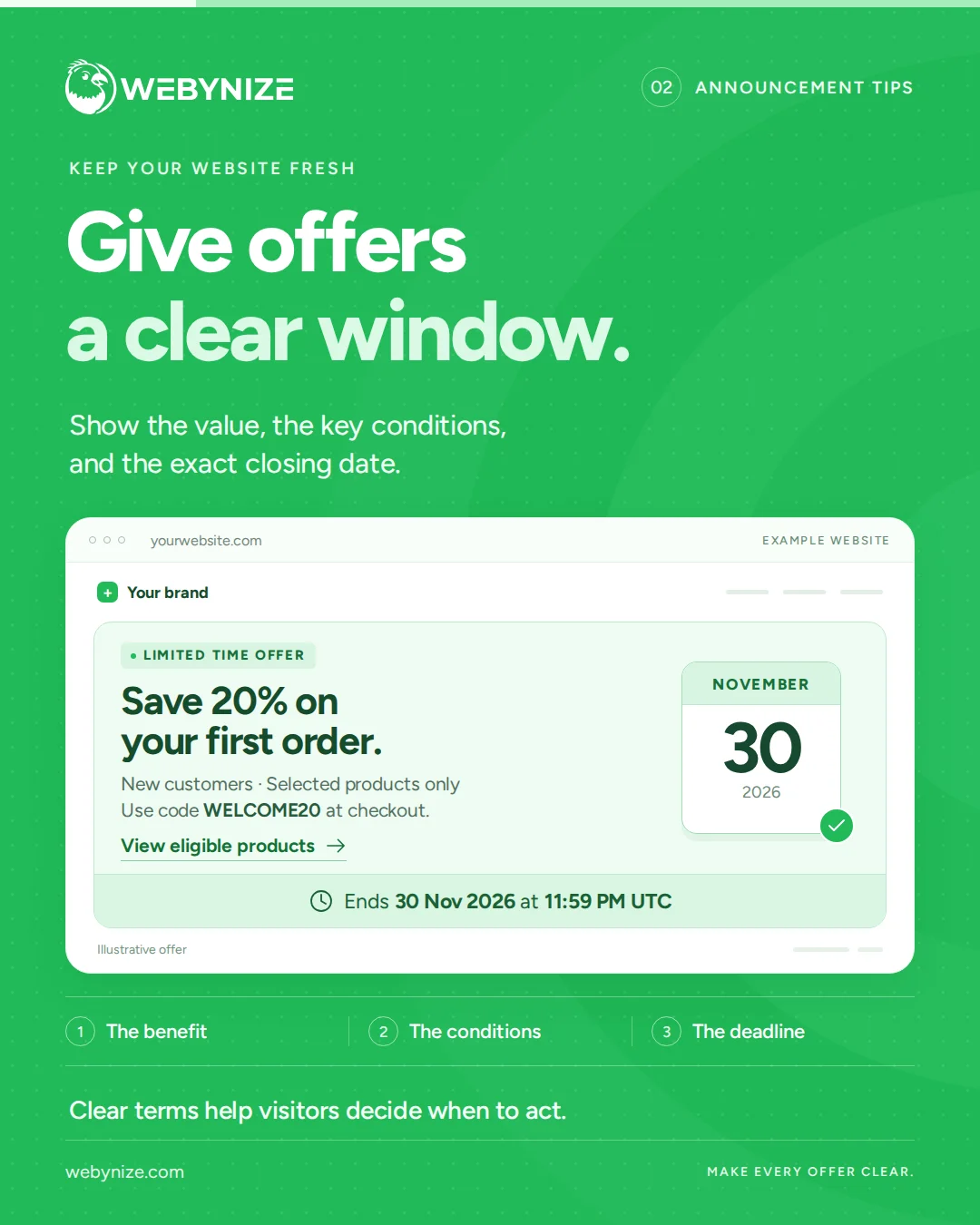
An Announcement Widget can bring attention to a current offer and its deadline. Include the main benefit, any important conditions, and the actual closing date.
Amazon announced that its 2025 Prime Day event would run from July 8 through July 11. The announcement explained who could shop the offers and when deals would become available. A website announcement can use the same clear structure to help shoppers decide when to act.
Make offers timely by showing exactly what visitors can get and when the offer ends.
Bring Events Into View
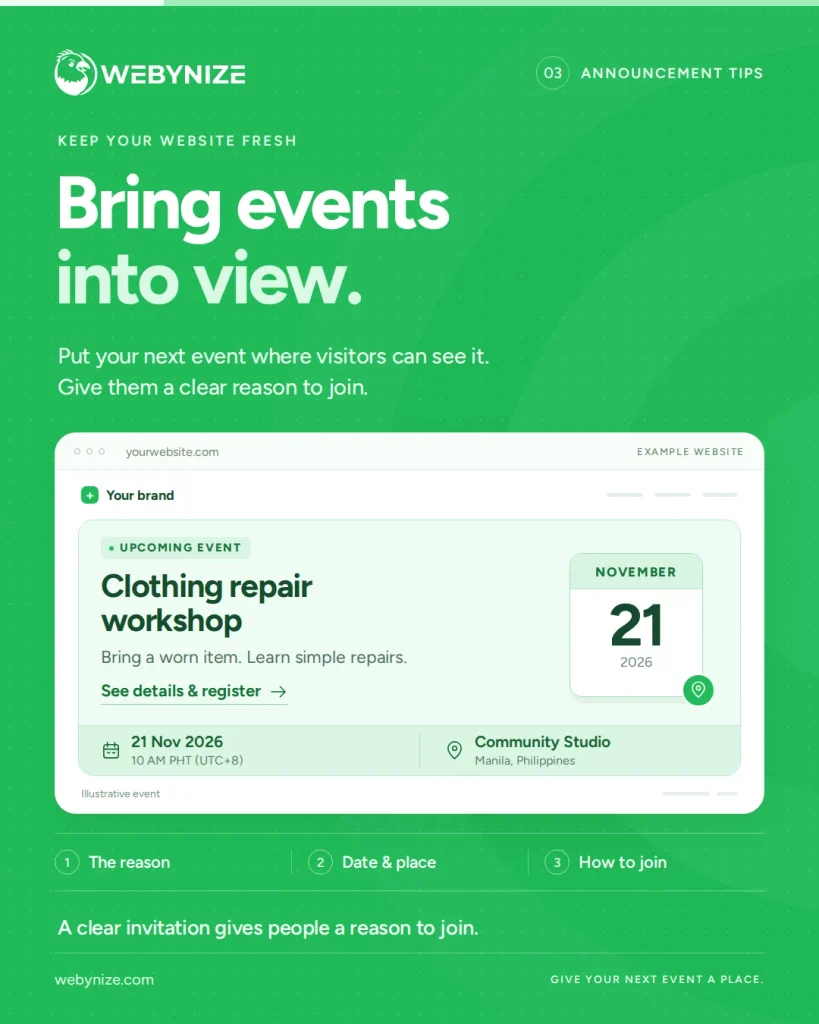
An Announcement Widget can introduce upcoming events while visitors browse your website. Share the date, location, and a link to learn more or register.
Patagonia launched a traveling clothing repair tour in 2015. Before its stops, the company invited customers to bring clothing that needed repairs. That invitation connected an upcoming event with a practical reason to attend.
Give visitors a clear reason to join your next event.
Share Changes Before They Surprise
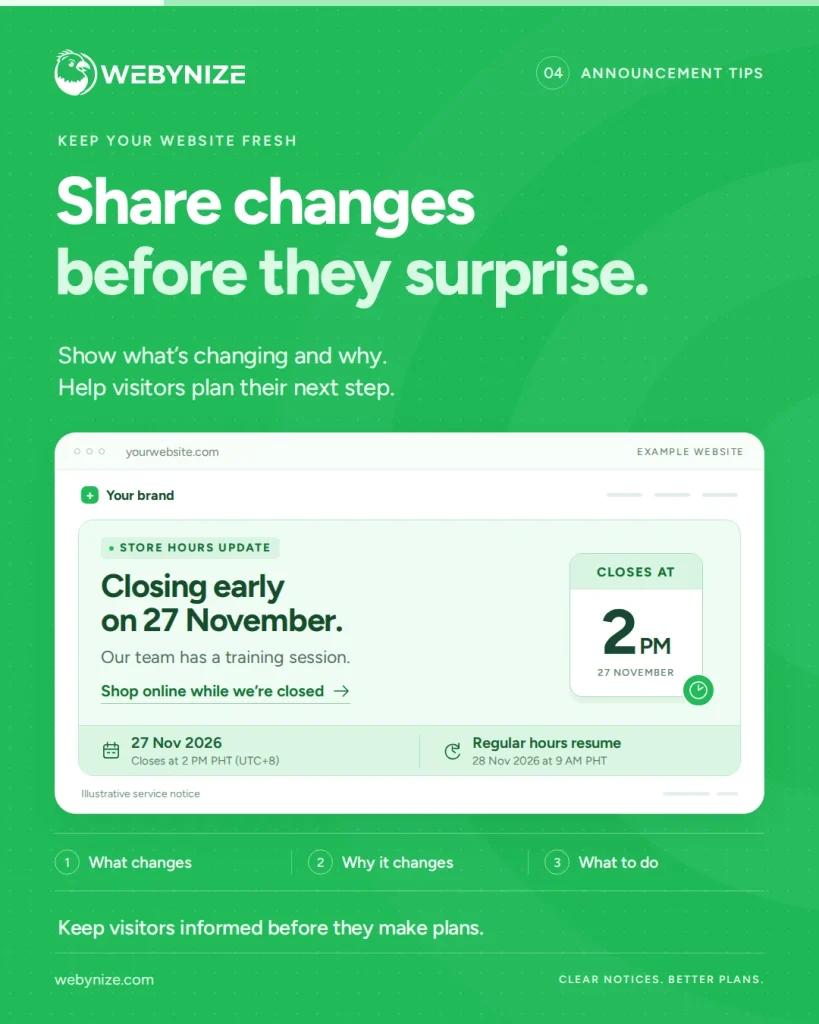
Fresh content includes useful notices about changed hours, service interruptions, or delivery schedules. An Announcement Widget helps place those updates where visitors can find them before making plans.
REI announced in 2022 that closing its stores on Black Friday would become a permanent commitment. Its announcement explained the decision and encouraged people to spend time outdoors. The example shows how an operational update can explain both what is changing and why.
Keep visitors informed about changes that could affect their next step.
Give People a Reason to Return
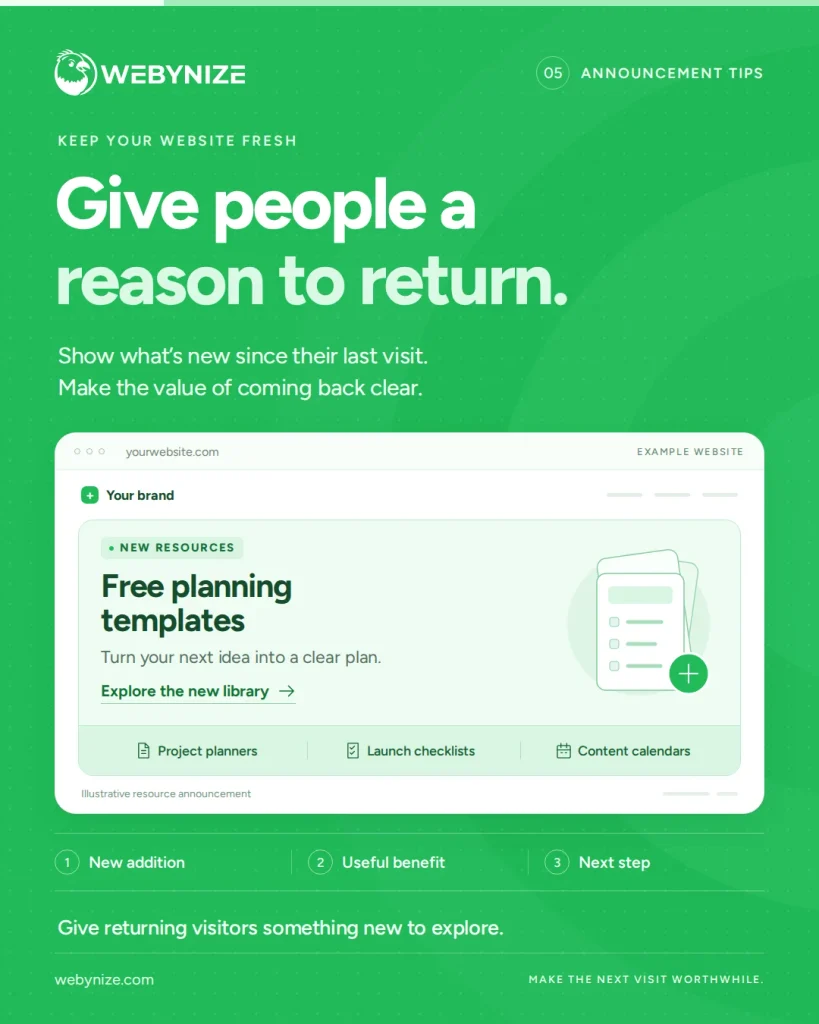
An Announcement Widget can highlight useful additions for people who already know your website. Share new resources, expanded services, or improvements that make another visit worthwhile.
Duolingo reported launching 148 new language courses in 2025. The expansion allowed more people to study languages such as Japanese and Korean through their own language. An announcement about expanded access gives previous visitors something specific to explore again.
Show returning visitors what they can discover or do that they could not before.
Make Freshness Easier to Maintain
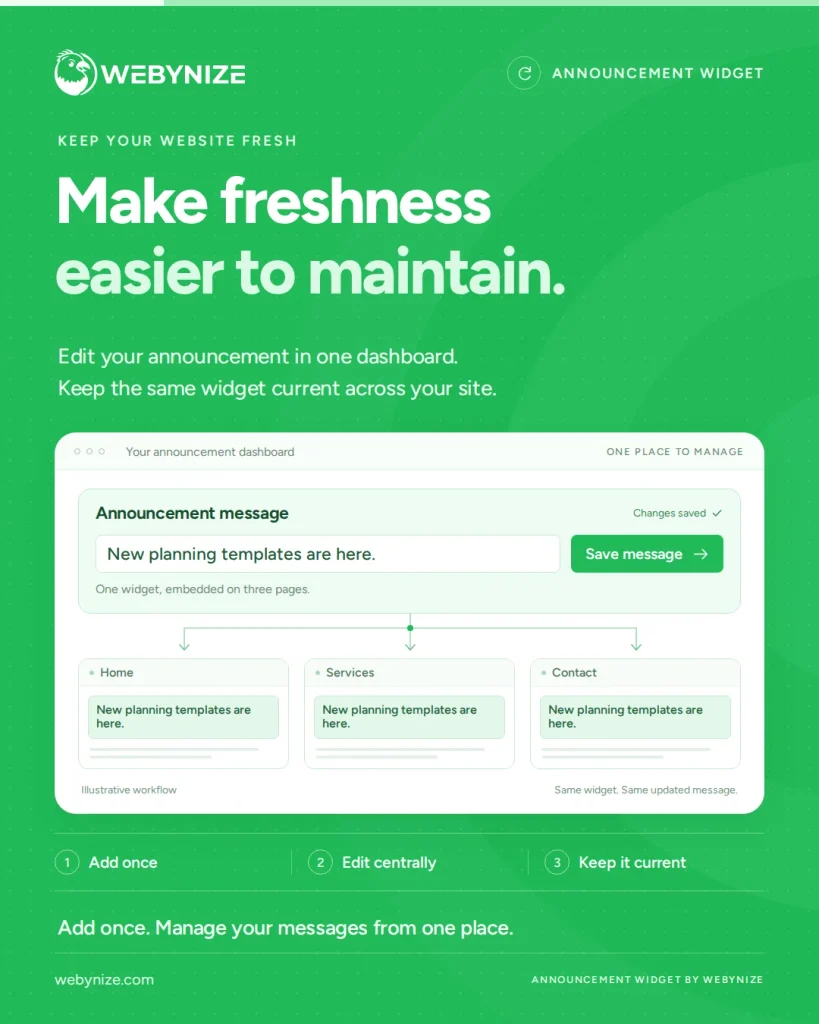
Use a website widget to manage announcements from one dashboard after adding it to your site. This makes it easier to change messages without editing each page where the same widget appears.
In a published testimonial, Stephen Austria of SociableKIT describes using Announcement and Exit Intent Popup widgets to communicate with users. He credits the two tools with helping reduce churn by catching attention at useful moments. His account highlights the value of making timely communication part of the website experience.
Use the Announcement Widget from Webynize to publish useful notices and keep them updated from one place.
Keep Your Next Update Useful
An Announcement widget helps your website share timely news, offers, and updates, keeping visitors informed and engaged while saving your team the effort of constant manual edits. I suggest you create a free Announcement widget and place it near the parts of your website where visitors look first, like the homepage or pricing page. Keep your messages clear and current, and visitors will feel more confident that your business is active and worth their attention.


