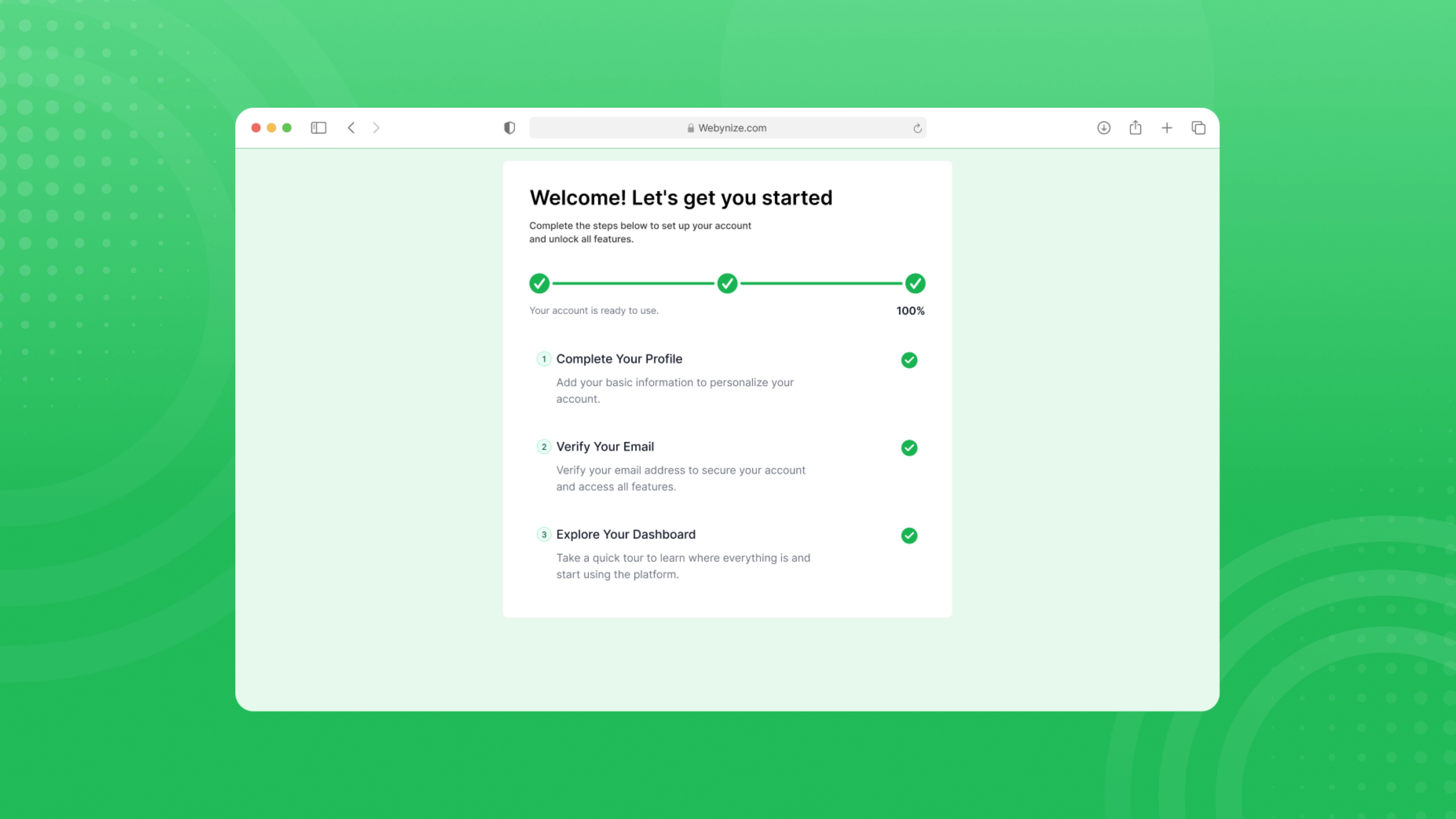
Welcome to our tutorial on how to add a Onboarding Checklist to Shift4shops!
Streamline new user onboarding with a simple checklist that keeps them on track, ensuring a smooth and successful start.
Whether you want to improve user experience or create a more interactive website, a Onboarding Checklist can be valuable.
Add Onboarding Checklist to Shift4shops - Step by Step
This article will walk you through integrating our feedback widget into Shift4shops.
To add Onboarding Checklist to Shift4shops, follow the steps below.
- Create a Onboarding Checklist in Webynize.
- Click "Create widget" button on the top right.
- Select Onboarding Checklist in the dropdown option.
- Click Next button.
- Customize the design and data of your Onboarding Checklist.
- Click the "Embed now" button.
- On the popup, copy the code.
- Paste the code on Shift4shops.
Live Demo
Demo coming soon.
What our customers say?
Frequently Asked Questions
Got questions about Webynize widgets? Get quick answers and expert guidance here.
Need Support?
This tutorial has helped show you how to add a Onboarding Checklist to Shift4shops.
If you have any questions or need further assistance, don't hesitate to contact our support team using the chat box on the lower right corner of this page.
Conclusion
Adding a Onboarding Checklist can be a simple and effective way to gather valuable insights from your customers and improve the overall user experience on Shift4shops. We wish you the best of luck with your new Onboarding Checklist!
What else can you add?
Add more widgets to your site to improve user experience and increase conversions.


